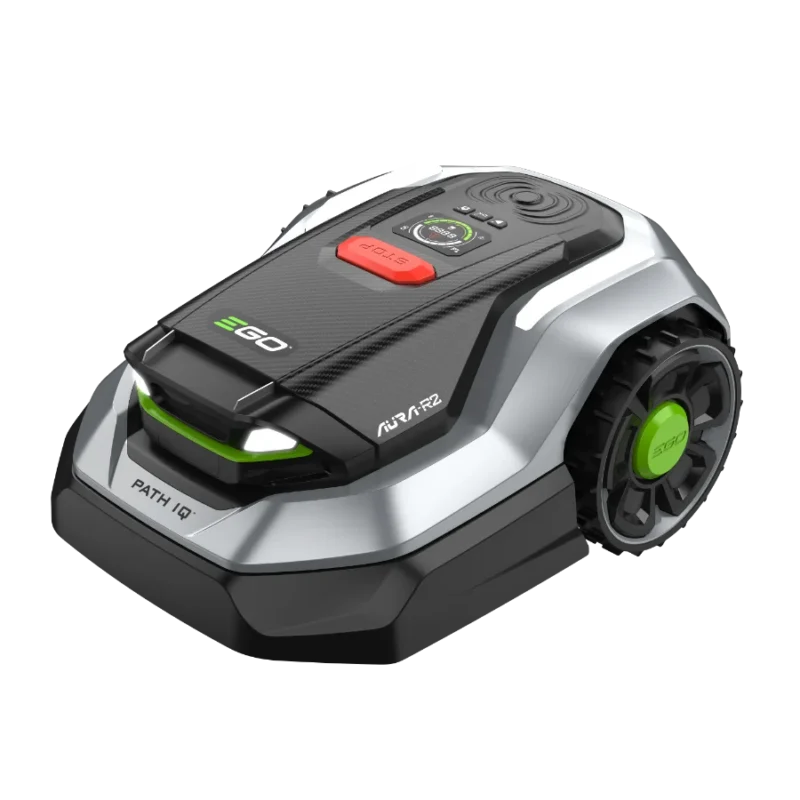
How to store a robotic mower over winter: battery, cleaning, charging station and getting it going again in spring

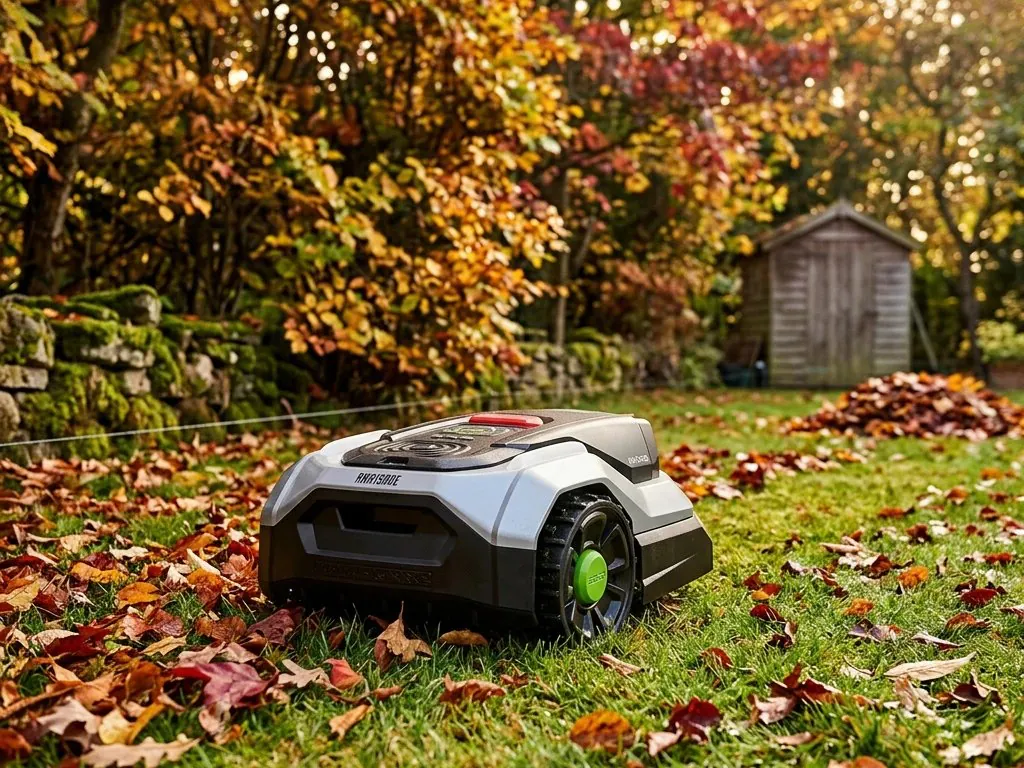
How to store a robotic mower over winter: battery, cleaning, charging station and getting it going again in spring
A robotic mower is not designed to spend the winter outdoors. Cold and moisture damage the battery and electronics, and a robot left standing over winter with a flat battery may not start again in spring. Preparing it for winter is simple: the robot is cleaned, the battery charged, the unit switched off and moved to a dry room above freezing. Below are the steps that apply to all robotic mowers, with separate notes where the requirements for EGO, STIGA and STIHL iMOW robots differ slightly.
When is the right time to bring your robotic mower indoors for the winter
The last mow of the season is done before the first night frosts. Mowing frozen grass damages the turf, and cold is not good for the battery either. STIHL iMOW and EGO AURA batteries may be charged from +5 °C and STIGA cable-free robot batteries from +4 °C; the lower operating temperature limit is 0 °C for EGO AURA and STIGA and +5 °C for STIHL iMOW. In Estonia this usually means the end of October or the beginning of November. It is worth keeping an eye on the weather forecast: when night-time temperatures drop close to zero, it's the right time to bring in the robot and, if possible, the charging station as well.
Before winter, it's also worth clearing leaves off the lawn, as a layer of leaves left under the snow encourages fungal diseases in the grass. We wrote about clearing leaves in the article Choosing a leaf blower.
Clean the robotic mower before storing it
During the season, dried grass builds up under the robot, around the blades and in the wheels, holding moisture and encouraging corrosion. Before cleaning, switch the robot off and put on work gloves, as the blades are sharp.
- Tip the robot on its side and clean the underside, blade disc and blades with a brush. Dried-on grass can be loosened with a non-scratching stick.
- Clean the wheels with a soft brush. Wheels clogged with grass reduce grip on slopes.
- Wipe the housing with a damp cloth, using a mild soap solution or pH-neutral cleaner if necessary. Do not use solvents.
- Clean the charging contacts on the robot and the charging station and remove any oxidised layer. Dirty contacts are one of the most common causes of charging faults.
- On the EGO AURA robot, also clean the camera lenses.
- Let the robot dry completely before putting it into storage.
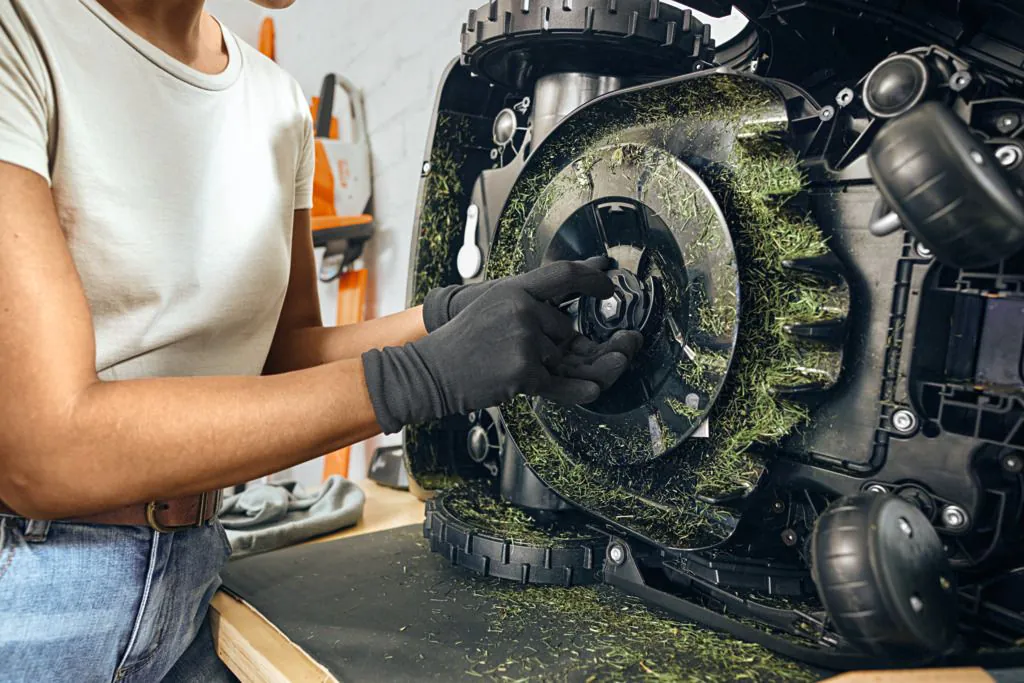
A pressure washer is generally not used for cleaning a robotic mower. The EGO AURA has an IP66 rating, but a brush and a damp cloth are enough for cleaning it too. A brush and a damp cloth are a safe choice for all robots.
Charge the battery before winter
A robotic mower's lithium battery slowly self-discharges when idle. If the battery stands flat over winter, it can become completely discharged and irreversibly damaged. You can recognise a deeply discharged battery when the robot switches off on the lawn a few seconds after charging. That is why the battery should always be charged before storage.
- EGO AURA and RM4000E – fully charge the battery before storage. A battery that is not fully charged can be damaged during storage.
- STIGA – charge the battery and start the wintering process on the “Settings” page of the STIGA.GO app, which registers the pre-winter charge. Registering the charge in the app is a condition of the battery warranty. If the robot stands for longer, the battery must be charged every 6 months.
- STIHL iMOW 3, 4, 5, 6 and 7 – fully charge the battery after the last mow; the charge level must definitely be above 50% when it goes into storage.
- STIHL RMI 422, 522 and 632 – fully charge the battery in the docking station before winter hibernation.
Do not remove the battery from the robot. All three manufacturers build the battery into the robot, and it is replaced and removed only by an authorised service centre.
Switch the robot off or set it to hibernation mode
A charged robot must be switched off completely, otherwise additional functions continue to drain the battery. Each manufacturer does this slightly differently.
- EGO AURA – hold down the OK button for 4 seconds and enter the PIN code.
- EGO RM4000E – press the STOP button and then hold down the power button for more than 2 seconds.
- STIGA – press the STOP button and hold down the power button until the button's indicator light goes out. On cable-free v-series robots (A 6v to A 140v), then remove the safety key.
- STIHL iMOW 3, 4, 5, 6 and 7 – first switch off the access functions (home area and alarm) in the MY iMOW app. Then press and hold the STOP button until the light bar is fully lit red. Press the STOP button again, the light bar flashes twice and the device lock is on. Press and hold the STOP button once more until the light bar is lit red and then flashes twice. The robot is now in hibernation: all unnecessary functions are switched off and the battery discharges slowly.
- STIHL RMI 422, 522 and 632 – switch off the automatic mode, select the highest safety level and then the “Hibernation” command from the menu. Settings are retained, the time and date are reset. On C models with mobile connectivity, first switch on ECO energy mode.
Where and how to store a robotic mower over winter
Over winter, a robotic mower is stored indoors in a dry room where the temperature does not drop below zero. For STIHL iMOW robots, the storage room temperature should not drop below +5 °C. A garage, storeroom or utility room is suitable if it is dry and does not get cold in winter.
- Keep the robot horizontal, with all wheels on a level surface. Do not place other items on top of the robot.
- Keep the robot, charging station and power supply away from radiators, stoves and other heat sources, and from chemicals.
- Do not leave the robot in direct sunlight.
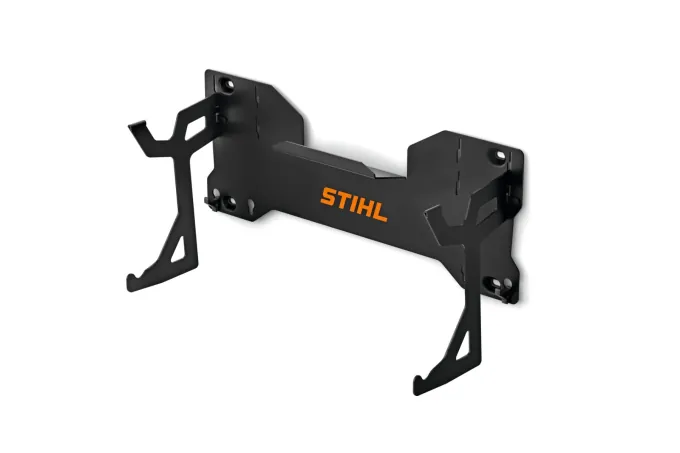
STIHL iMOW 5, 6 and 7 robots can be stored on the wall instead of standing on their wheels, using a wall-mounted bracket. The robot must not be hung up by its cover or handles. For STIHL iMOW robots there is also the ABO 600 storage box, which protects the robot from dust and moisture and also makes it easy to bring the unit in for servicing.
What to do with the charging station, antenna and perimeter wire over winter
The charging station is generally disconnected from the mains over winter. Whether the station stays outdoors or is brought inside depends on the robot and your options. We recommend bringing the charging station and power supply indoors too if possible, as this keeps the contacts and plastic in good condition for longer.
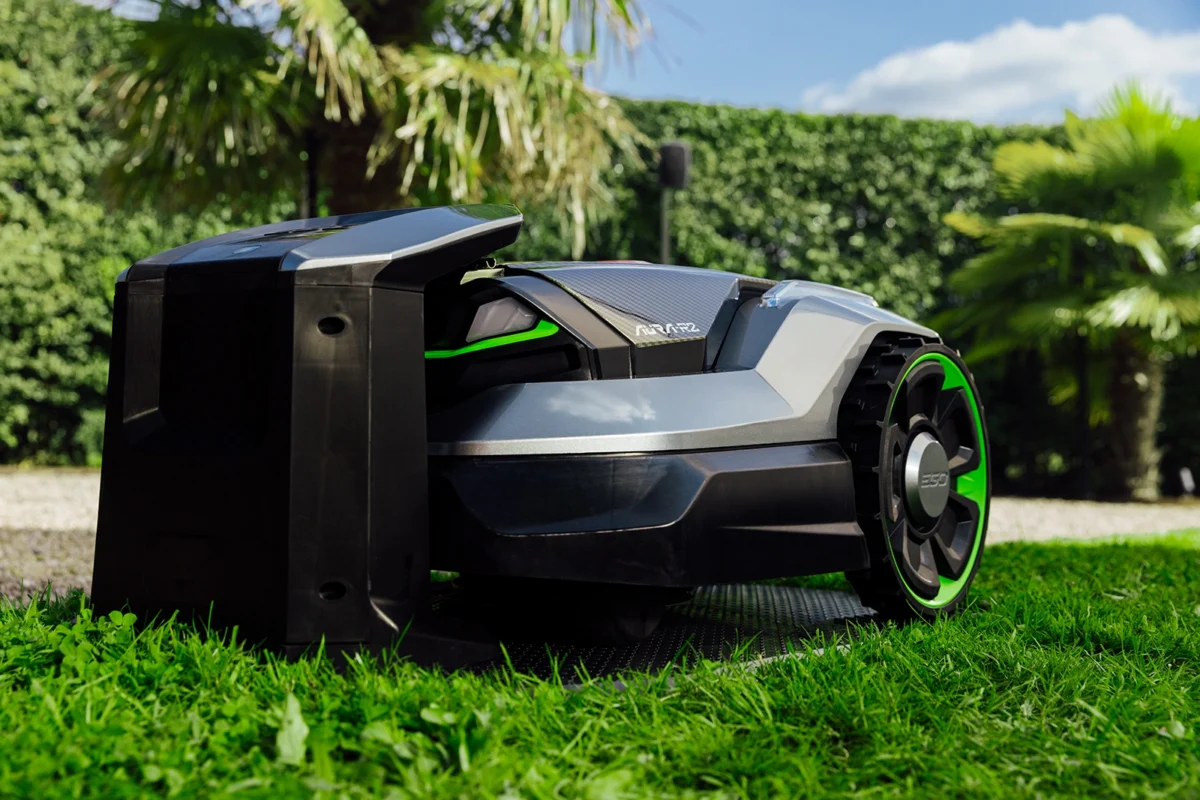
Over winter, keep the charging station and power supply away from heat sources and chemicals, and the power supply in a dry, well-ventilated place. Do not change the location of the RTK antenna: if the antenna is moved, all mowing areas must be mapped again.
If the robot has a perimeter wire, it stays in the ground over winter; only its loose ends need protecting. Plugs and connection points left outdoors must be protected from the weather.
Check the blades and wear parts
The end of the season is a good time to inspect the blades. Replace worn, bent or nicked blades straight away, so the robot is ready to work from the first day of spring. On robots with small pivoting blades, all blades and screws are always replaced at the same time, and robotic mower blades are not sharpened. Also check the blade disc, wheels and housing, and replace any worn or damaged parts before storage.
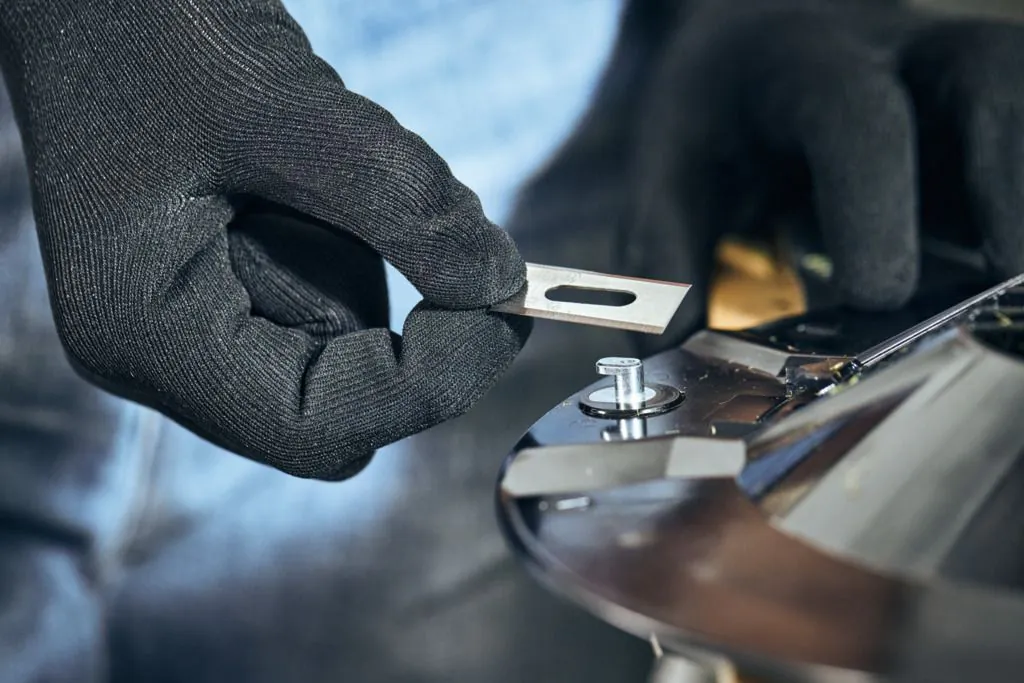
You can find blades in our range: EGO AURA and RM4000E blades AB1009R, STIHL iMOW 3, 4, 5, 6 and 7 cutting blades and blades for older models iMOW 422 and 522 C and iMOW 632. Other accessories can be found in the robotic mower accessories category. We wrote in more detail about replacing blades and in-season maintenance in the article Summer maintenance for your robot mower.
Winter storage requirements by manufacturer
| Robot | Battery before winter | Switching off | Storage location | Charging station in winter |
|---|---|---|---|---|
| EGO AURA RMR1500E, RMR3000E, RMR6000E | Fully charge | OK button for 4 seconds and PIN code | Indoors, dry and frost-free | Power supply in a dry place, away from heat sources. The RTK antenna location is not changed |
| EGO RM4000E | Fully charge | STOP button, then power button for more than 2 seconds | Indoors, dry and frost-free, with all wheels on a level surface | When bringing indoors, disconnect the power supply and connections, put the cable ends in a protective box |
| STIGA A 6v, A 8v, A 10v, A 15v, A 25v, A 50v, A 100v and with perimeter wire G 600, G 1200 | Charge and register the charge in the wintering process of the STIGA.GO app. When idle, charge every 6 months | STOP button and power button, remove the safety key on the v-series | Horizontally, in a dry and frost-free place | Disconnect from the mains. Can stay outdoors under a cover. Put back in exactly the same place |
| STIHL iMOW 3, iMOW 3 EVO, iMOW 5 EVO and iMOW 4, 6 and 7 | Fully charge, charge level definitely above 50% | Switch off access functions in the app, hibernation with the STOP button | Closed dry room, at least +5 °C, on its wheels or on a wall bracket | Unplug the adapter. The station can stay on the lawn under a cover |
| STIHL RMI 632, RMI 422 and RMI 522 | Fully charge in the docking station | Automatic mode off, highest safety level, “Hibernation” from the menu | Dry, closed and dust-free room, at least +5 °C, on its wheels | Unplug the adapter, station outdoors under a cover or indoors. Tape the wire ends with insulating tape |
Pre-winter servicing and Saemeister winter storage
A robotic mower travels up to 1,000 kilometres during a season, and some wear components cannot be checked at home: bearings, seals, battery condition and software. We recommend servicing your robotic mower once a year, and the best time to do so is in winter, when the robot is idle anyway. Robots should be serviced once a year or at the end of the season by an authorised service centre. Whether this is also a condition for keeping the warranty valid, be sure to check separately for your model.
Saemeister services robotic mowers at its workshop in Tartu, Aardla 25. There are three packages to choose from. New cutting blades, including fitting, are included in the price of all packages.
- Basic service €89 – thorough cleaning, inspection of the cutting system, wheels, bearings, battery, charging contacts and electronics, plus a software check and update where possible. You bring the robot in for servicing and take it home after the service.
- Winter storage €149 – servicing plus winter storage of the robot and charging station, including battery charge checks. You bring the robot to Saemeister in autumn and collect it serviced in spring.
- Full service €189 – servicing and winter storage, plus we collect the robot and charging station in autumn, bring them back in spring and set them up ready for work on your property. Transport is included in the price within Tartu and up to 15 km from the city limits.
Prices include VAT. We also service and provide winter storage for robotic mowers from other manufacturers, subject to technical feasibility and space; four-wheel-drive models are currently not accepted. Winter storage places are limited. The exact content and terms of the packages are on the page Robotic lawn mower servicing and winter storage.
Getting started in spring
In spring, the robot goes back onto the lawn once the grass has started growing. A soil temperature of around +10 °C can be used as a guide.
- Clear branches, cones, toys and other debris that has built up over winter from the lawn. If the grass has grown very tall, mow it lower first with an ordinary lawn mower.
- Install the charging station in exactly the same place as before, connect the cables and power supply and check the connections. On a robot with a perimeter wire, connect the wire ends to the correct terminals and check that the wire is intact.
- Clean the charging contacts and put the robot on charge. The battery of a robot that has been standing for a long time may be flat and must be charged before starting.
- STIHL iMOW 3, 4, 5, 6 and 7 are woken from hibernation by placing the robot in the mowing area and pressing the START button. If the robot does not respond, put it on charge first. On older RMI models, pressing a button is enough; then set the date and time and switch on automatic mode.
- A STIGA robot cannot be sent out to work if the battery charge is below 40%.
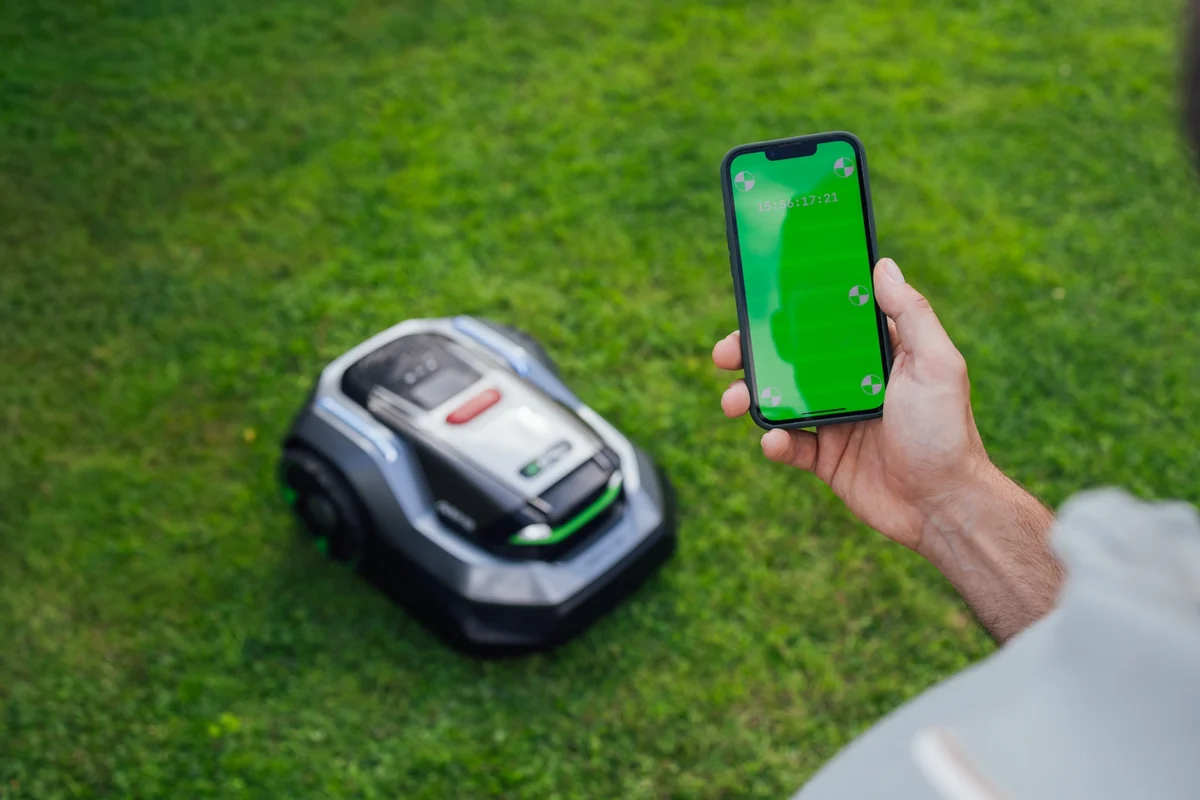
- Check the mowing schedule in the app and allow software updates. The EGO AURA updates its software when the robot is switched on, standing in the charging station, the battery charge is above 30% and the network connection is stable. The update takes 10 to 30 minutes.
- Watch the first mow: whether the robot finds the charging station, gets through narrow spots and stays within the boundaries.
In summary
Winter storage of a robotic mower consists of five steps: clean the robot with a brush and a damp cloth, charge the battery, switch the unit off or into hibernation, keep it in a dry, frost-free room and disconnect the charging station from the mains. This keeps the battery healthy and the robot ready to work straight away in spring.
If you don't want to deal with it yourself or don't have a dry and warm storage place, bring your robot to Saemeister winter storage. You can find blades, cables and other accessories in the robotic mower accessories category and new robots in the robotic mowers category. If you have any questions, visit us in Tartu, Aardla 25 or email saemeister@saemeister.ee / call +372 7 303 480.